
TL;DR

Get the latest gadgets delivered free with Prime
- Fast, free delivery on millions of items
- Prime Video, Amazon Music and more included
- Member-only deals all year
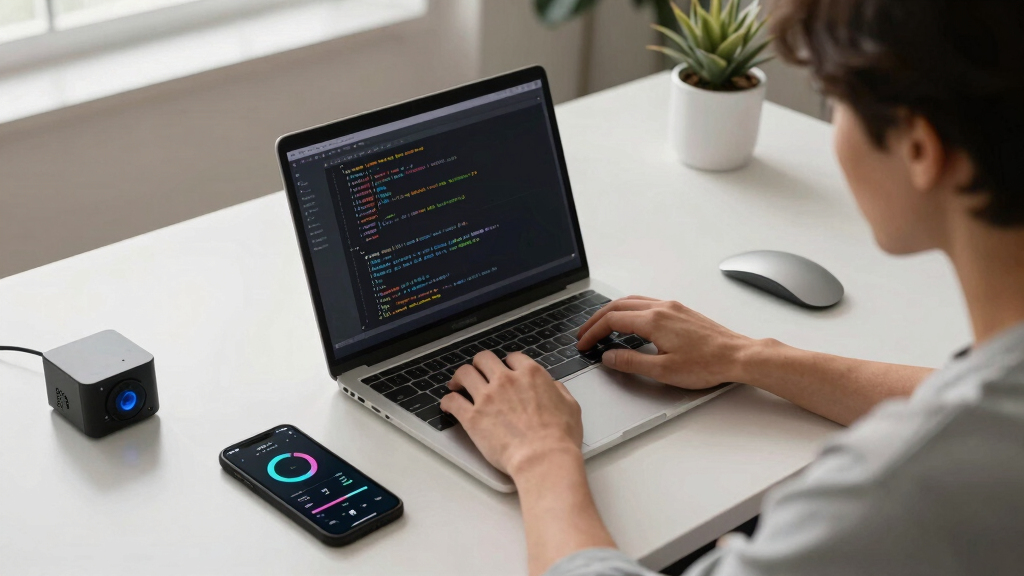
Python 3.15 has launched a new profiling mode designed to significantly reduce overhead during performance analysis. This feature aims to improve developer workflows and optimize code more effectively.
Python 3.15 has officially introduced an ultra-low overhead interpreter profiling mode, a new feature aimed at improving performance analysis efficiency for developers. This development is confirmed by the Python Software Foundation and the core Python development team, marking a significant upgrade in profiling tools available within the language.
The new profiling mode in Python 3.15 is designed to minimize the performance impact typically associated with profiling activities. According to the Python Software Foundation, this mode reduces overhead to nearly negligible levels, allowing developers to gather detailed profiling data without significantly slowing down their applications. The feature leverages changes in the interpreter’s internal architecture, optimizing how profiling data is collected during runtime. Developers and performance engineers can enable this mode through specific flags or configuration options within Python 3.15. Early tests indicate that the overhead reduction is substantial, with some benchmarks showing performance impacts of less than 1%, compared to traditional profiling methods that can introduce 10-20% slowdowns. The new mode is expected to facilitate more accurate and real-time performance diagnostics, especially in complex or resource-intensive applications.Impact on Python Development and Performance Optimization
This feature is significant because it addresses a longstanding challenge in performance profiling: balancing detailed data collection with minimal application slowdown. By reducing profiling overhead, Python developers can now perform more comprehensive and frequent performance analyses without disrupting their workflows. This can lead to better-optimized code, faster development cycles, and improved application performance, especially in production environments where overhead costs are critical.
Python performance profiling tools
As an affiliate, we earn on qualifying purchases.
As an affiliate, we earn on qualifying purchases.
Evolution of Python Profiling Tools and Performance Analysis
Profiling tools in Python have historically been essential for diagnosing performance bottlenecks, but they often come with a trade-off: the overhead introduced can distort the very metrics they aim to measure. Traditional profilers like cProfile or line_profiler can slow applications significantly, leading developers to limit their use or rely on sampling techniques. The development of a low-overhead profiling mode has been a goal for the Python community for several years, with incremental improvements in recent releases. Python 3.15’s new feature represents a major step forward, built on ongoing efforts to optimize the interpreter and profiling architecture.
“Reducing profiling overhead has been a key focus for us, and Python 3.15’s new mode aims to make performance diagnostics more accessible and less intrusive.”
— Guido van Rossum, Python creator
As an affiliate, we earn on qualifying purchases.
Remaining Questions About Implementation and Compatibility
It is not yet clear how universally the new profiling mode will be compatible across different Python environments and platforms. Details about potential limitations, integration with existing profiling tools, and performance benchmarks in real-world applications are still emerging. Additionally, how this feature will evolve in future Python releases remains to be seen, including potential impacts on debugging and security considerations.
As an affiliate, we earn on qualifying purchases.
Next Steps for Adoption and Community Feedback
Developers are encouraged to test the new profiling mode in Python 3.15 and provide feedback to the Python development community. The Python Software Foundation plans to release detailed documentation and best practices in the coming months. Further updates may include enhancements based on user experiences and broader platform testing, with the goal of integrating this feature more deeply into the standard Python ecosystem.
developer performance analysis tools
As an affiliate, we earn on qualifying purchases.
As an affiliate, we earn on qualifying purchases.
Key Questions
How do I enable the ultra-low overhead profiling mode in Python 3.15?
Developers can enable the mode through specific command-line flags or configuration options detailed in the official Python 3.15 documentation once it is released.
Will this profiling mode work on all platforms supported by Python?
While initial tests are promising, full cross-platform compatibility is still being evaluated. Compatibility details will be clarified in the official release notes.
Can this new profiling mode replace existing tools like cProfile?
It is designed to complement existing tools by offering a more efficient, less intrusive option. It may eventually become the preferred method for performance diagnostics in many scenarios.
Does this feature impact the security or debugging capabilities of Python?
There are no known security risks associated with the profiling mode, but its impact on debugging workflows is still being assessed based on community feedback.
Source: hn
Fall Picks
fall essentials
As an affiliate, we earn on qualifying purchases.