
TL;DR

Get the latest gadgets delivered free with Prime
- Fast, free delivery on millions of items
- Prime Video, Amazon Music and more included
- Member-only deals all year
BUI is an open-source project that separates selected parts of Blender’s interface code into a standalone UI library, driven by a C runtime and bindings for multiple languages. Its documentation describes the interface as fast and efficient, but the supplied source does not include benchmark results that independently establish the headline comparison with GPUI. Accessibility support and input methods are listed as limitations.
The GitHub project BUI presents a standalone library based on parts of Blender’s user interface, allowing developers to use its widgets, interactions and visual style in applications without installing Blender. Its documentation promotes the runtime as fast and resource-efficient, but the supplied material does not provide benchmark figures substantiating the title’s comparison with GPUI.
BUI’s documentation says the library centers on a small runtime written in C. The runtime maintains a widget tree, performs layout, handles mouse and keyboard input, and draws and presents the interface on the CPU or GPU. The drawing code is described as a C port of Blender’s widget code, while interaction behavior follows Blender’s rules. Language bindings sit on top of that shared runtime.
The project lists support for Python, Rust, JavaScript, C, C++ and Dear ImGui, with options including tkinter-compatible code, Qt-style Python, React and Svelte interfaces, Rust markup, and Blender-style components. The documentation says these interfaces share the same runtime. It also describes three presentation approaches: HTML-like interfaces, styled interfaces and Blender components.
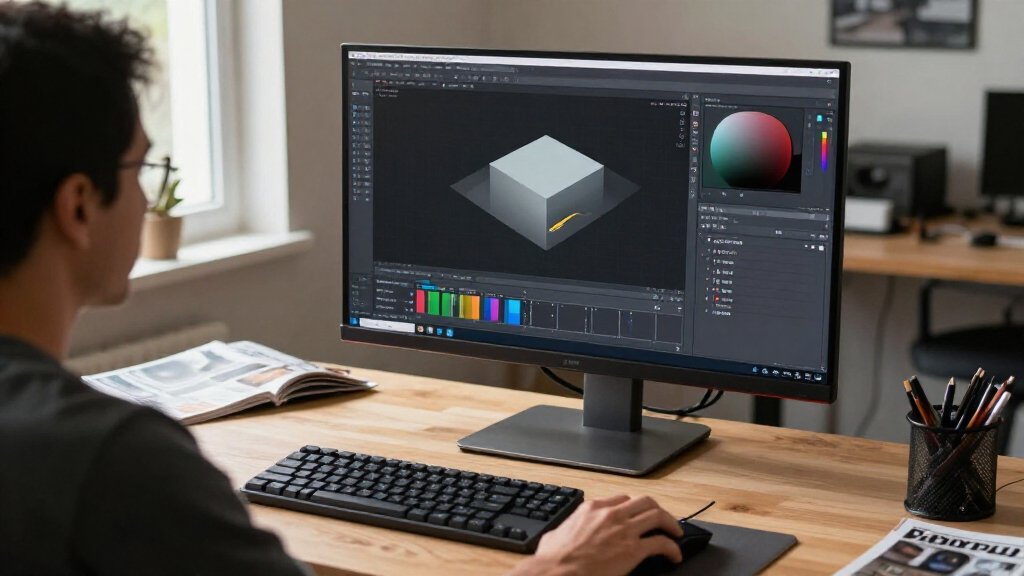
BUI is not the Blender application itself, and its documentation says users do not need Blender installed. For JavaScript and Rust, it says HTML and CSS can be used as interface languages without a browser engine or webview. The project presents its goal as making Blender’s interface behavior available to other software, rather than redesigning those interactions.
Blender Controls Beyond Blender
If the project works as documented, developers could reuse familiar Blender-style controls in standalone tools, including applications for artists and technical users. A shared native runtime may also let teams build interfaces in different languages without changing the underlying widget and input behavior.
The efficiency claim matters because interface redraws and background activity can affect battery use and memory, particularly in desktop software that remains open for long sessions. But those benefits remain claims in the material provided: without benchmark methods, measurements and a defined comparison, readers cannot tell how BUI performs against GPUI or other UI toolkits on comparable workloads.
The trade-offs are relevant to developers choosing a toolkit. BUI’s Blender appearance may not match a host operating system’s conventions, and the project lists no accessibility support and no input methods as current limitations. Those gaps could rule it out for products with accessibility or multilingual text-entry requirements.
Products Worth Considering

Samsung Galaxy Tab S11 256GB Wi-Fi Android Tablet, Silver

Samsung Galaxy Tab A11+ 11-Inch Wi-Fi Tablet, 6GB RAM, 128GB Storage, Gray

Logitech MX Mechanical Wireless Illuminated Full-Size Keyboard, Clicky
As an affiliate, we earn on qualifying purchases.
How Blender’s UI Was Separated
The project says BUI extracts only the parts of Blender’s interface code needed for its own runtime. It describes the result as a standalone library, not a dependency on the Blender application. Developers build the widget tree and handle callbacks, while the runtime handles layout, input and drawing.
The README also sets out documentation for rendering on the CPU and GPU, damage rendering, window hosts, text and fonts, themes, and performance testing. Its stated design aim is to redraw only changed areas and remain idle when nothing is happening. These descriptions explain the project’s efficiency pitch, but are not themselves measured performance results.
The title frames the project as “Blender’s UI and Runtime: Much Faster Than GPUI.” However, the supplied source excerpt contains no GPUI benchmark values, test setup, hardware details or direct comparison. The headline wording therefore should not be treated as a verified result on the basis of this material alone.
“BUI takes the user interface of Blender (its widget drawing, its interaction rules and its look) and turns it into a standalone UI library with a small C core.”
— BUI project documentation
Benchmark Evidence Still Missing
The supplied report does not include the measurements needed to evaluate the title’s “much faster than GPUI” comparison. It gives no timing results, test duration, hardware or software configuration, workload definition, or comparison baseline. It is therefore unclear whether the claim refers to startup, frame rendering, battery use, memory, or another measure.
The project documentation points readers to performance material and says benchmarks can be run independently, but the excerpt provided here contains no results to assess. The project’s maturity and support status for each listed language or framework are also not independently verified in the supplied material. Its documentation marks some capabilities as partial and identifies MyGo as not yet available.
Run Tests Before Adoption
Developers considering BUI can consult its documentation and run the project’s benchmarks, comparing the same workload and environment against GPUI or another toolkit. A useful comparison would report the metric being tested, hardware, software versions, workload, measurement period and baseline so readers can interpret any performance gap.
For production use, teams will also need to check the current state of language bindings, platform support and the listed limitations. The supplied material does not state a schedule for accessibility or input-method support, nor does it provide a dated release roadmap. Those details remain for the project maintainers to clarify.
Key Questions
What is BUI?
BUI is a standalone UI library that the project says ports parts of Blender’s widget drawing and interaction code into a runtime written in C.
Does BUI require Blender to be installed?
No. The project documentation says BUI contains the interface components it needs and can run without Blender installed.
Which languages and frameworks does it support?
The project lists Python, Rust, JavaScript, C, C++ and Dear ImGui, with integrations that include tkinter, Qt-style Python, React and Svelte. The documentation marks some support as partial, so developers should check the status of the specific integration they need.
Has BUI been shown to be faster than GPUI?
The supplied source makes that comparison in its title, but it does not include benchmark results or test details. The performance claim cannot be independently evaluated from the material provided.
What limitations does the project list?
The documentation lists no accessibility support yet, no input methods, and an interface that looks like Blender rather than the user’s operating system. It also describes some framework support as partial.
Source: github.com