
TL;DR

Get the latest gadgets delivered free with Prime
- Fast, free delivery on millions of items
- Prime Video, Amazon Music and more included
- Member-only deals all year
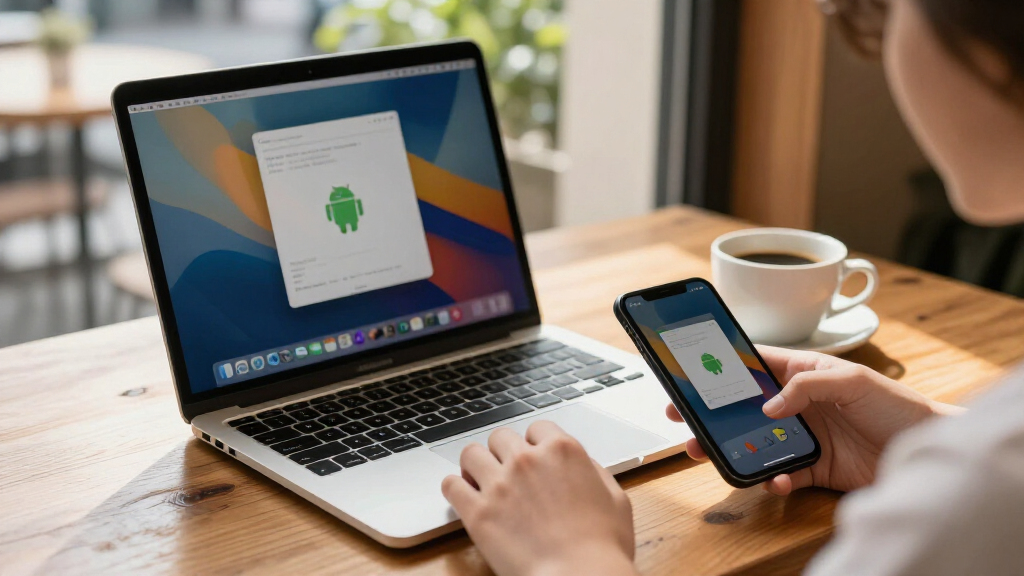
Mac.apk is an early-stage, open-source project that runs Android apps directly on Apple Silicon Macs without an emulator or virtual machine, according to its GitHub project page. It presents compatible apps as macOS windows, but support varies and the developer warns that apps run with the user’s macOS permissions rather than a phone-style sandbox.
Mac.apk, an open-source project for Apple Silicon Macs, says it can run Android apps as ordinary macOS processes without booting an Android emulator, virtual machine or Linux system. The software is still in alpha, and its developers say compatibility varies: some apps work well, some only partly, and others do not run.
The project describes Mac.apk as a direct implementation of the Android application environment on macOS. Its GitHub page says apps execute on the Mac’s CPU and draw through its GPU. They appear in the Dock and open in individual windows that can be resized or rotated; the project also describes a back button beside the window controls and light and dark appearance that follows macOS.
Mac.apk requires macOS 26.4 or newer and an Apple Silicon Mac. The project says macOS 27 support begins with version 1.0.1702 and that Intel Macs are unsupported. Its stated installation process involves downloading a disk image from the project’s releases, installing the runtime from within Mac.apk, and opening Android package files such as APKs. The first launch of an app can take up to a minute while the software prepares it, according to the project.
The project page lists roughly 280 MB for Mac.apk itself and says each installed app uses about 1.5 to 3 times the size of its APK. App files can be loaded by double-clicking supported package formats or dragging them into the app window. The project points users to a hand-tested compatibility list and release-specific known issues; it does not claim that every Android app works.
Android Apps in Mac Workflows
If Mac.apk works reliably for a given app, it could let Apple Silicon users access Android software without keeping an Android device nearby or running a conventional emulator. Its window and Dock integration may also make supported apps easier to use alongside Mac software. Those are potential benefits, not evidence of broad compatibility: the project’s own description says support is uneven and the software remains under active development.
The project’s security model is a major practical consideration. Mac.apk warns that Android apps running through it have the permissions of the user’s macOS account and do not receive a phone-style app sandbox. That means an APK could access files available to the user, just as other software run under that account can. The project advises users to install only apps from sources they trust and says it cannot audit or vouch for third-party APKs.
For developers, Mac.apk offers a way to test or use Android apps on Apple Silicon hardware, but the source material does not establish compatibility with any particular app beyond directing readers to its test list. The project says its code is available under the GNU AGPL v3.0, with a commercial license also available. Its stated policy is that the official app has no ads or in-app purchases.
Android apps for macOS Apple Silicon
As an affiliate, we earn on qualifying purchases.
As an affiliate, we earn on qualifying purchases.
How Mac.apk Differs From Emulation
Android apps have commonly been run on desktop computers through emulators or virtual machines, which reproduce or host another operating environment. Mac.apk’s central claim is different: it says it implements Android’s application environment directly on macOS, rather than starting a guest Android system or Linux kernel. The GitHub page also lists an ARM64 loader, a Bionic compatibility shim and an ARM32 recompiler among the repository components.
That technical description comes from the project itself; the supplied material does not include independent testing or a comparative performance study. Its claim that code runs at native speed should therefore be treated as a developer description, not an independently verified benchmark. The project links to a wiki covering its design, installation, app stores, controls, privacy and developer information, and provides a compatibility list and a process for reporting problems.
The project is distributed as open-source software, while its page says a commercial license is available for companies seeking different terms. It also notes that some bundled components carry separate licenses and that the app’s name and logo are covered separately. These details matter to developers and organizations considering redistribution, rather than changing the practical limits of the alpha software for individual users.
“Some apps run beautifully, some run partially, and some do not run yet.”
— Mac.apk project page on GitHub
As an affiliate, we earn on qualifying purchases.
Compatibility and Security Limits
The supplied project material does not provide independent verification of Mac.apk’s native-execution claims, performance, or compatibility. It does not identify which specific apps work in the source text; users are directed to a separate compatibility list and version-specific known-issues page. Results may differ between apps and releases, and the project describes the software as alpha.
It is also unclear from the supplied material how many users have tested the software, how frequently releases will arrive, or when it might leave alpha. The project’s warning about macOS account permissions means users should not assume Android apps receive the isolation they would on a phone. The project says users are responsible for the apps they load and that it cannot test, audit or vouch for third-party APKs.
As an affiliate, we earn on qualifying purchases.
Testing and Future Builds
The project points users to its release page for downloads, the compatibility list for app-specific results, and the known-issues page for the current release. Users who encounter problems are asked to provide the Mac.apk version, macOS version, app name and source, a description of what happened, and the app log. The project cautions users to review logs before posting them publicly.
The repository includes the software’s source code and instructions for building and contributing. The project says it is under active development, but the supplied information gives no timetable for later releases or a stable version. The practical next measure is whether future builds expand the tested-app list and address known issues without changing the project’s stated security model.
As an affiliate, we earn on qualifying purchases.
Key Questions
What is Mac.apk?
Mac.apk is an open-source project that says it runs Android apps directly on Apple Silicon Macs as macOS processes, rather than inside an emulator or virtual machine.
Which Macs and macOS versions are supported?
The project lists Apple Silicon Macs and macOS 26.4 or newer as requirements. Intel Macs are not supported, according to its GitHub page.
Will every Android app work?
No such claim is made. Mac.apk describes itself as alpha software and says some apps work well, some work partially and some do not run. It directs users to a separate compatibility list.
Is it safe to install APKs through Mac.apk?
The project warns that apps run with the permissions of the user’s macOS account and do not have a phone-style sandbox. It advises users to install only APKs from sources they trust.
Is Mac.apk free and open source?
The project says the official app is free and the source code is licensed under GNU AGPL v3.0. It also offers a commercial license for companies that do not want to distribute under the AGPL’s terms.
Source: hn
Halloween Picks
halloween
As an affiliate, we earn on qualifying purchases.